Enterprise Hybrid Identity & IAM Homelab
Implementing Okta, Active Directory, and Salesforce SAML in a Hybrid Environment


Project Overview
In this project I deployed a full Hybrid Identity solution integrating an on-premise Windows Server Active Directory with Okta Cloud. I configured Delegated Authentication to centralize credential management and established SAML federation with Salesforce, reducing login friction while enforcing Zero Trust MFA policies. Thank you to @sweeeezyit on TikTok for the project idea! :)
Architecture Components
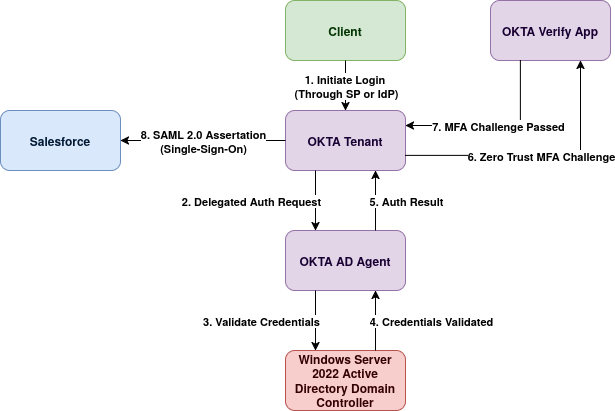
Phase 1: Infrastructure (Active Directory)
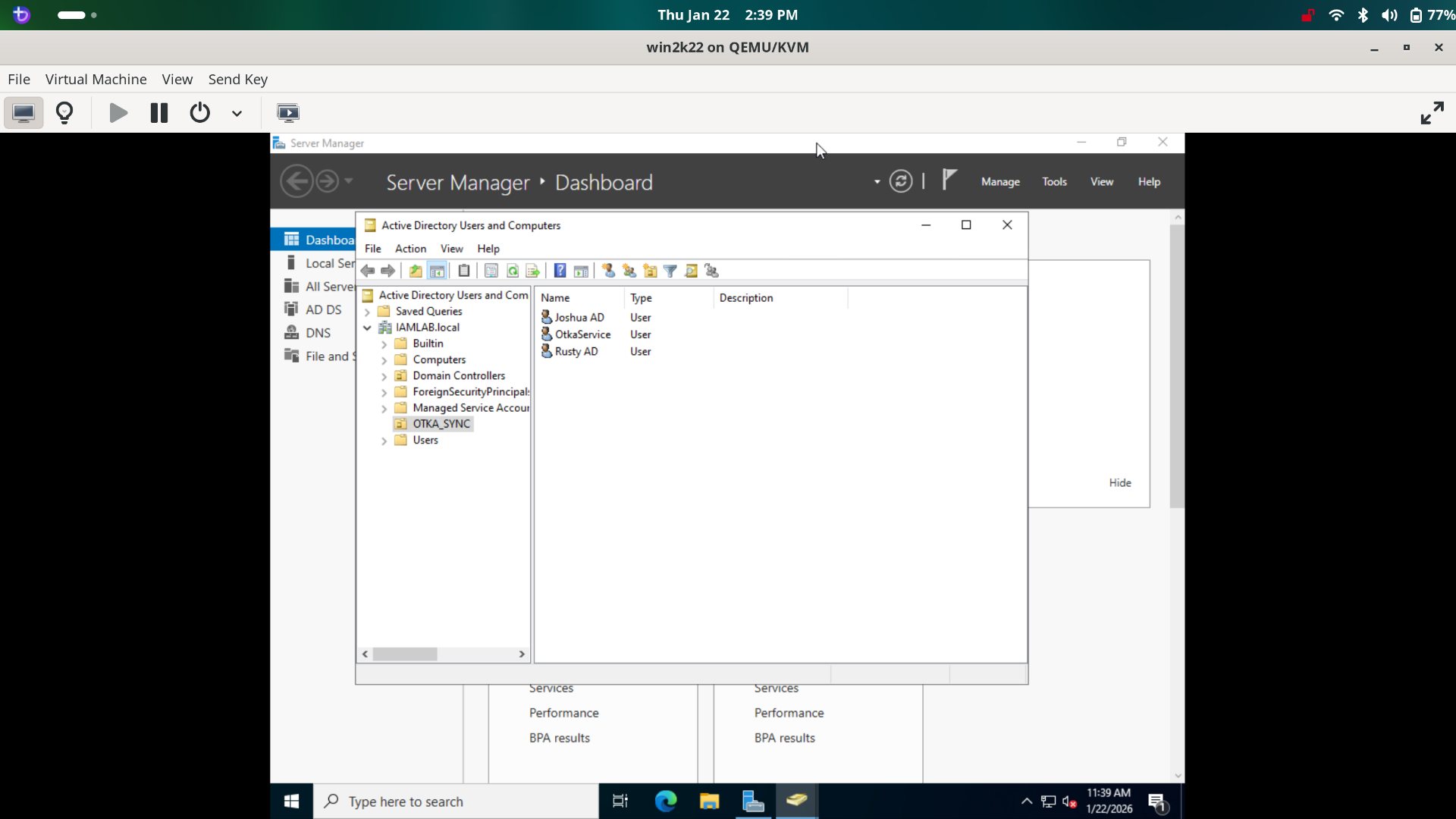
To simulate a realistic enterprise environment, I deployed a local Domain Controller rather than relying solely on cloud directories.
- Deployed Windows Server 2022 on a Virtual Machine with static IPv4 configuration.
- Promoted the server to a Domain Controller (Forest:
iamlab.local). - Created a dedicated Organizational Unit (OU)
Okta_Syncand provisioned test users (e.g., alice.ad) to simulate employee onboarding.
Phase 2 & 3: Hybrid Directory Integration
The core of this project was bridging the gap between legacy on-premise directory infrastructure and modern cloud identity using free trial developer resources!.
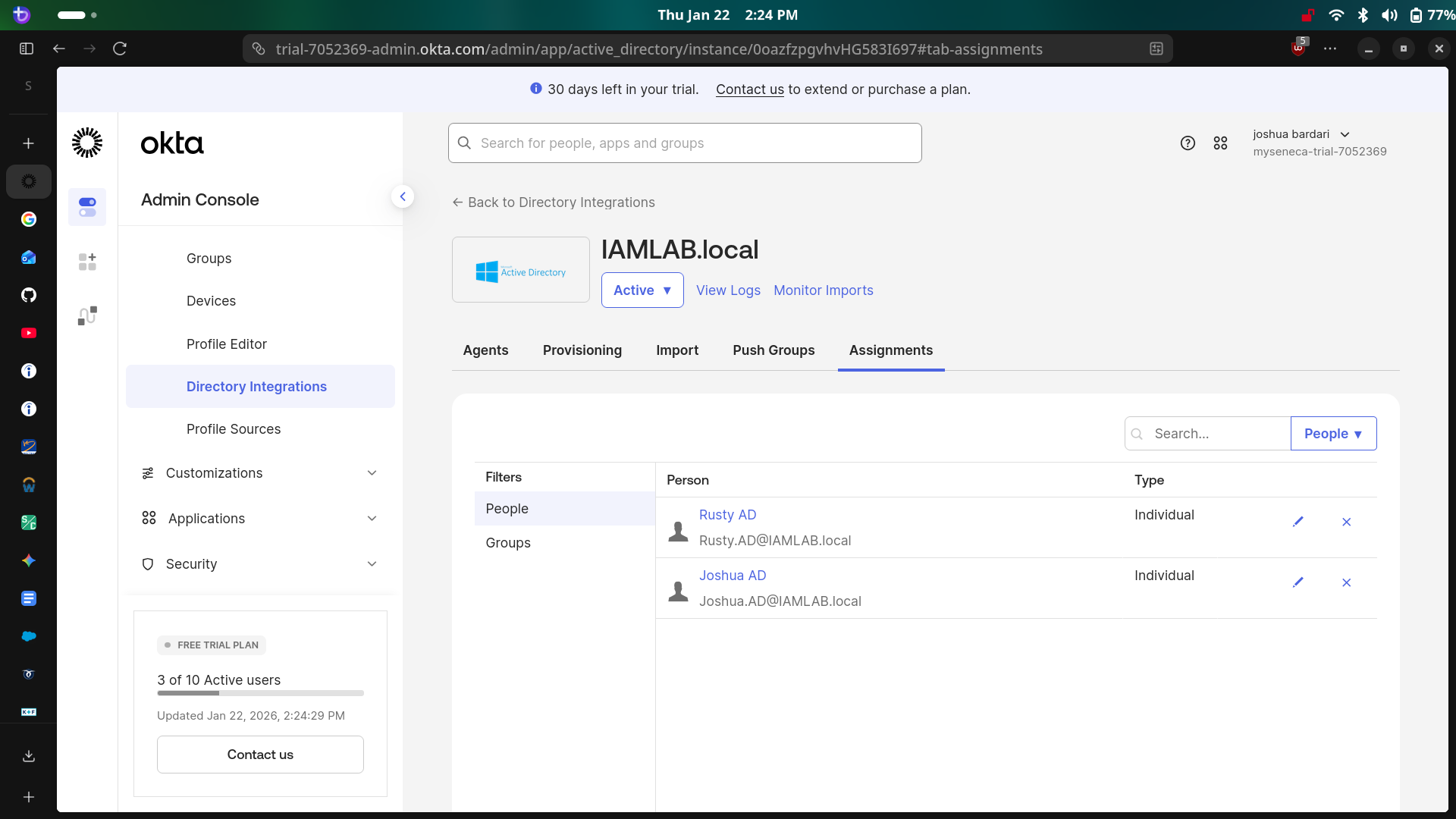
- Created a Service Account in AD with specific permissions for the Okta Agent.
- Installed the Okta AD Agent on the Windows Server to open a secure outbound connection (no firewall ports opened).
- Configured Delegated Authentication, allowing users to authenticate to Okta using their on-premise AD passwords.
- Enabled Just-In-Time (JIT) Provisioning to automatically create Okta user profiles when an AD user signs in for the first time.
Phase 4: SAML Single Sign-On (SSO)
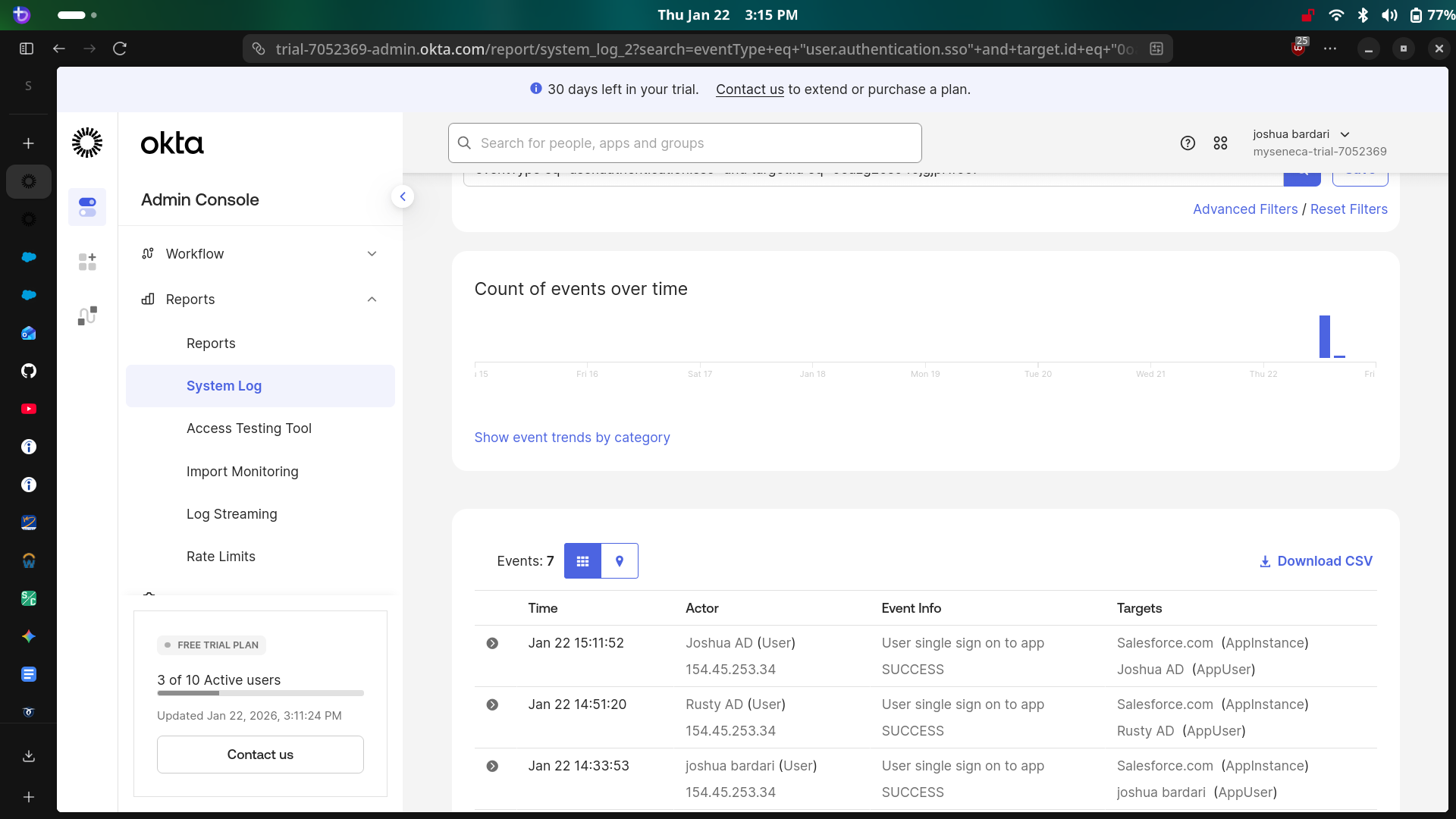
I eliminated password fatigue by configuring login Federation between Okta and Salesforce.
- Configured Salesforce as a Service Provider (SP) within the Okta App Catalog.
- Exchanged X.509 Certificates and Issuer URLs to establish a trust relationship.
- Mapped Okta attributes to Salesforce Federation IDs to ensure correct user matching.
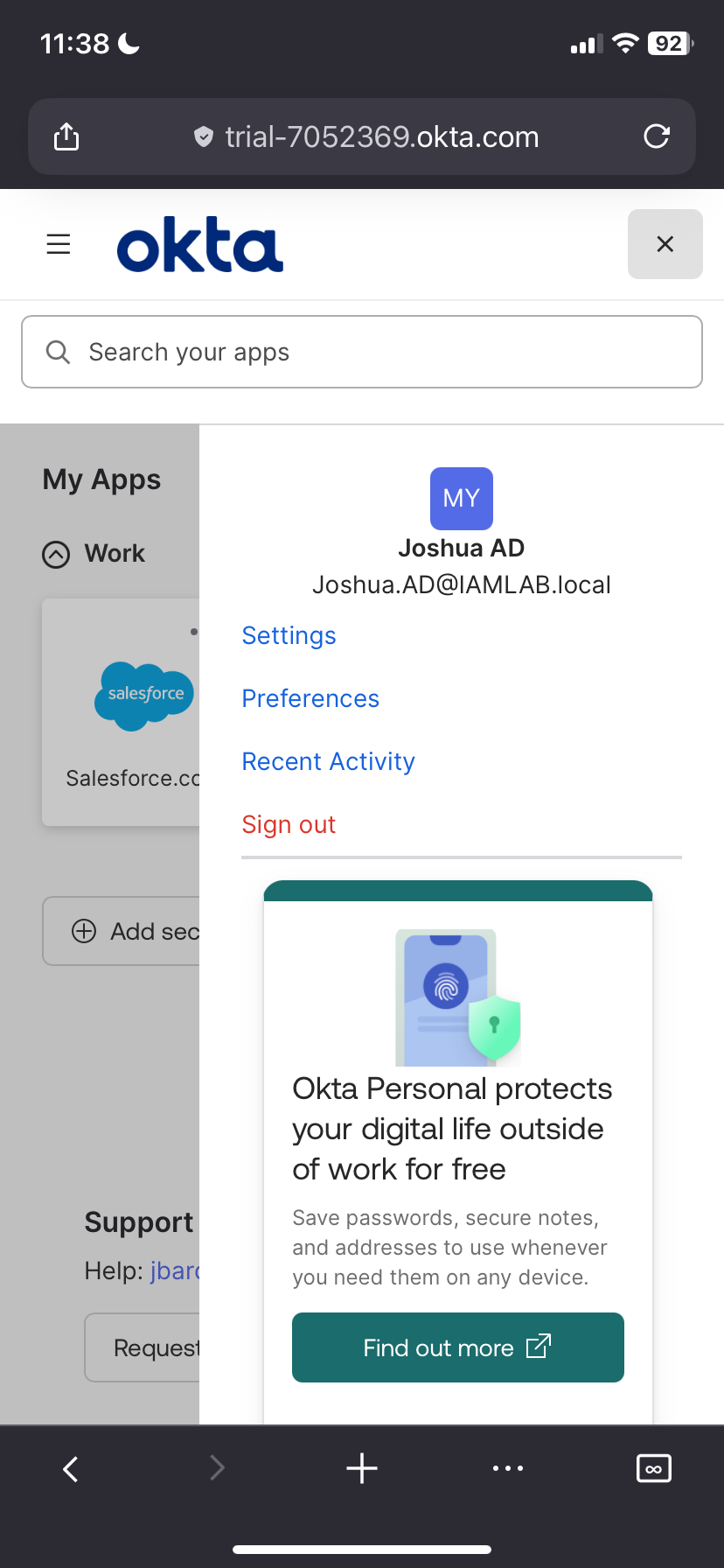
- Validated the SP-Initiated and IdP-Initiated login flows.
Phase 5: Security Policies (MFA)
Finally, I hardened the environment by implementing context-based access policies.
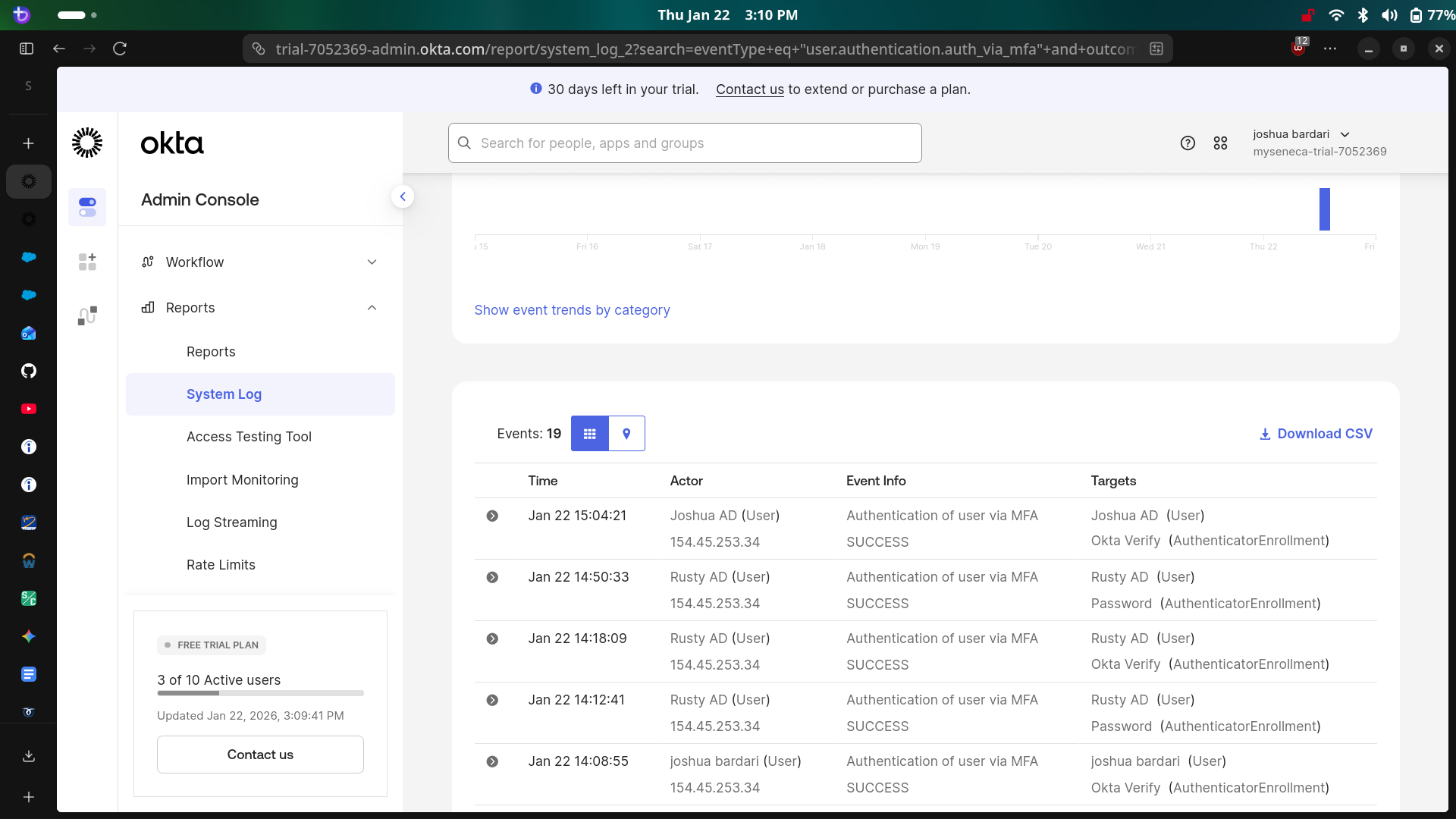
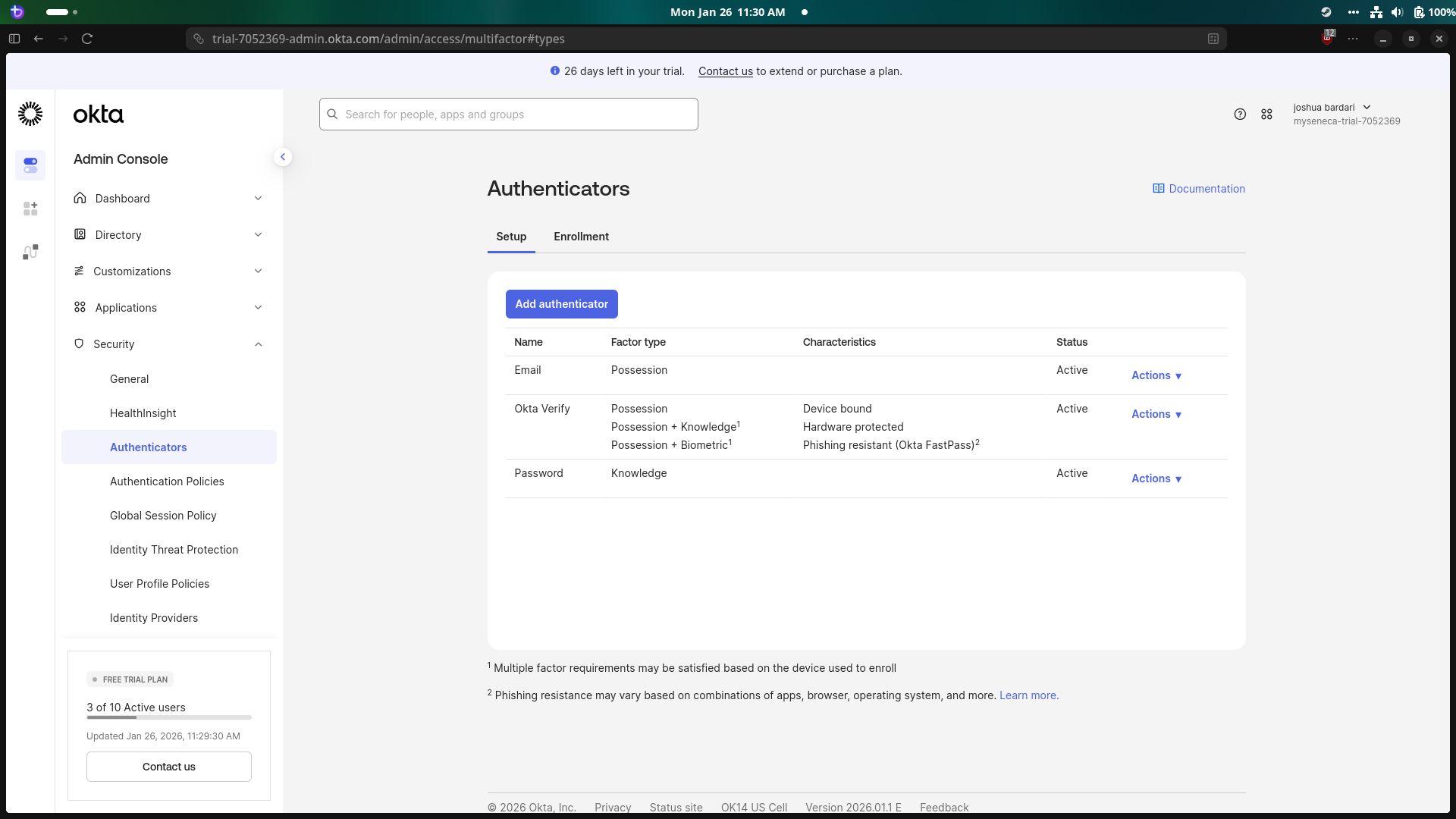
- Activated Okta Verify as a possession factor (Something you have).
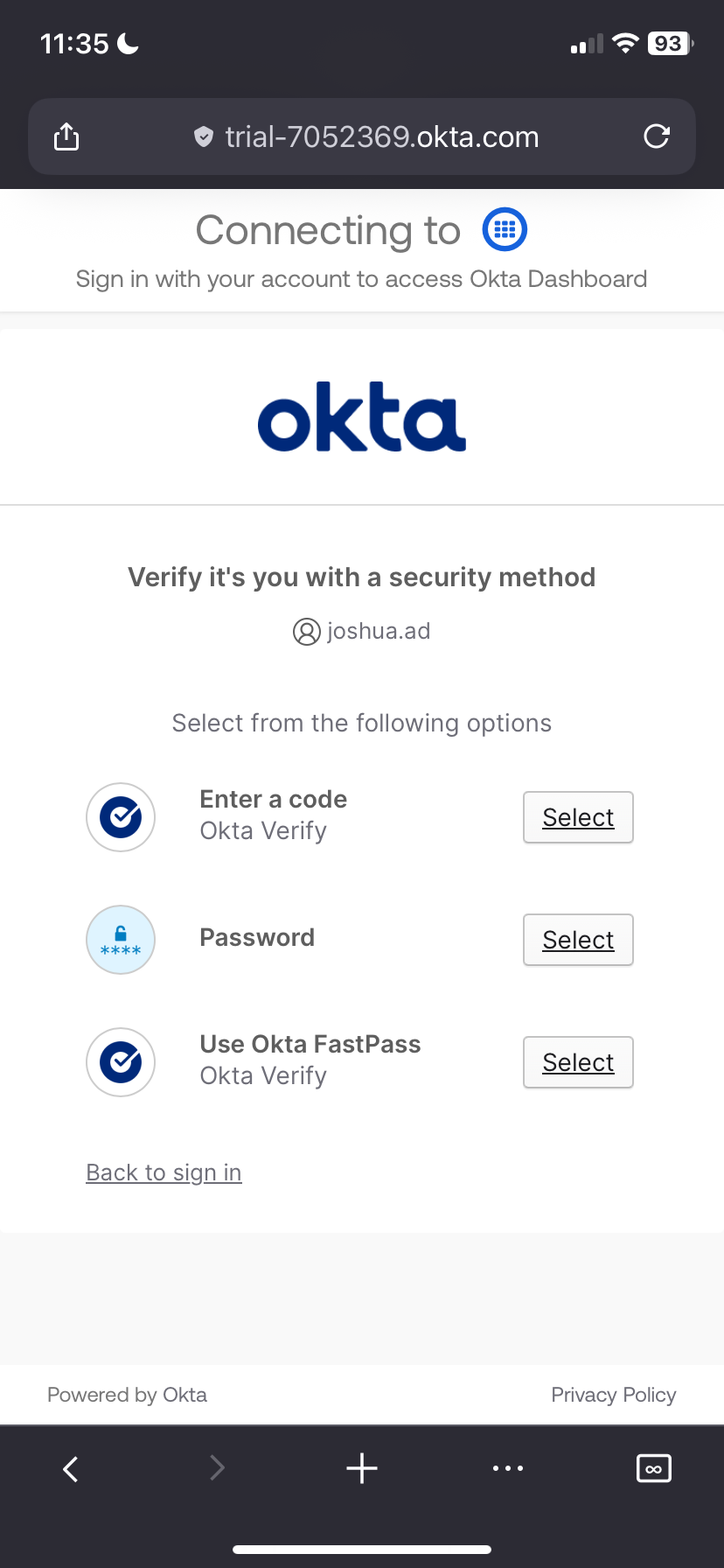
- Configured a Global Session Policy to challenge users for MFA when logging in from a new IP address or device.
- Tested "Impossible Travel" scenarios and unknown device logins to verify the challenge occurred.
Phase 6: Mobile login Experience (Okta Verify)
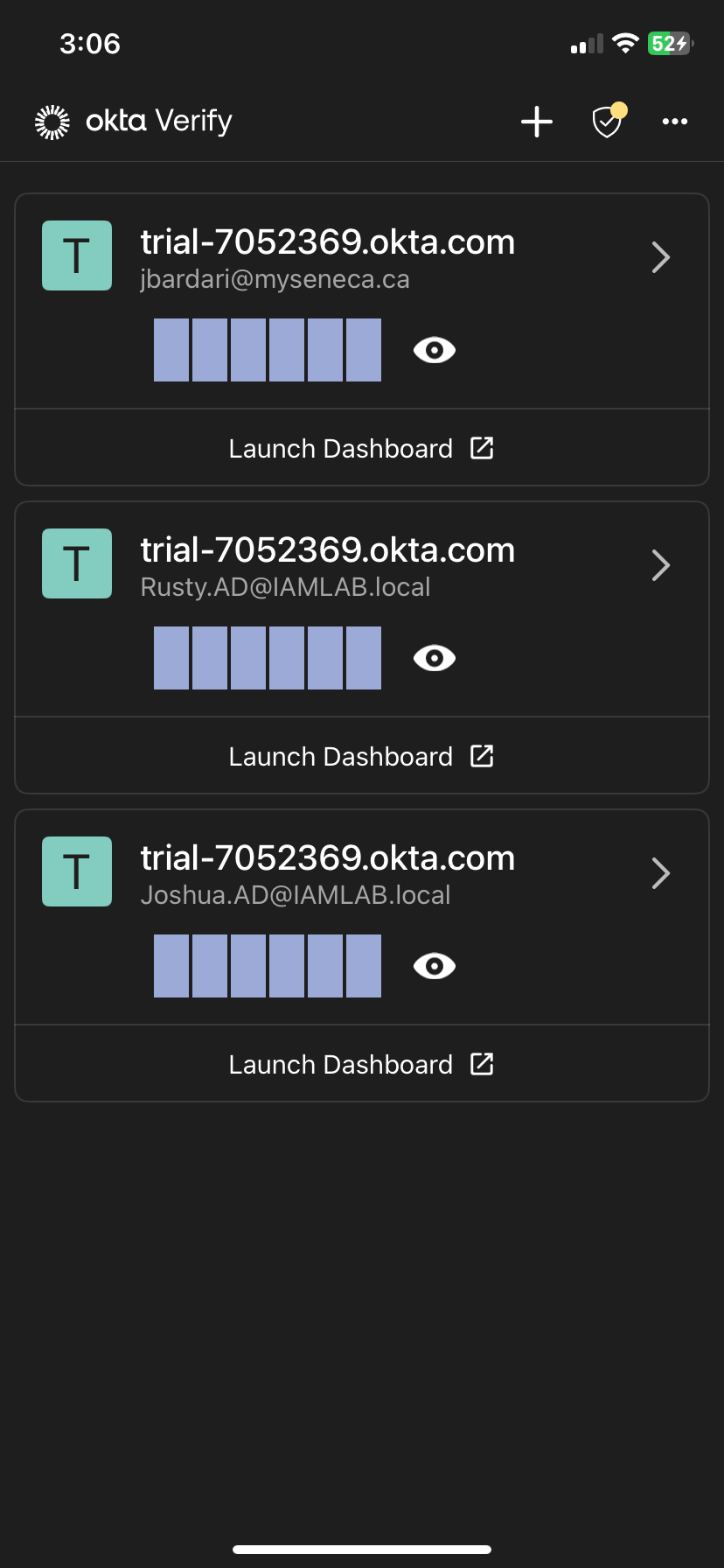
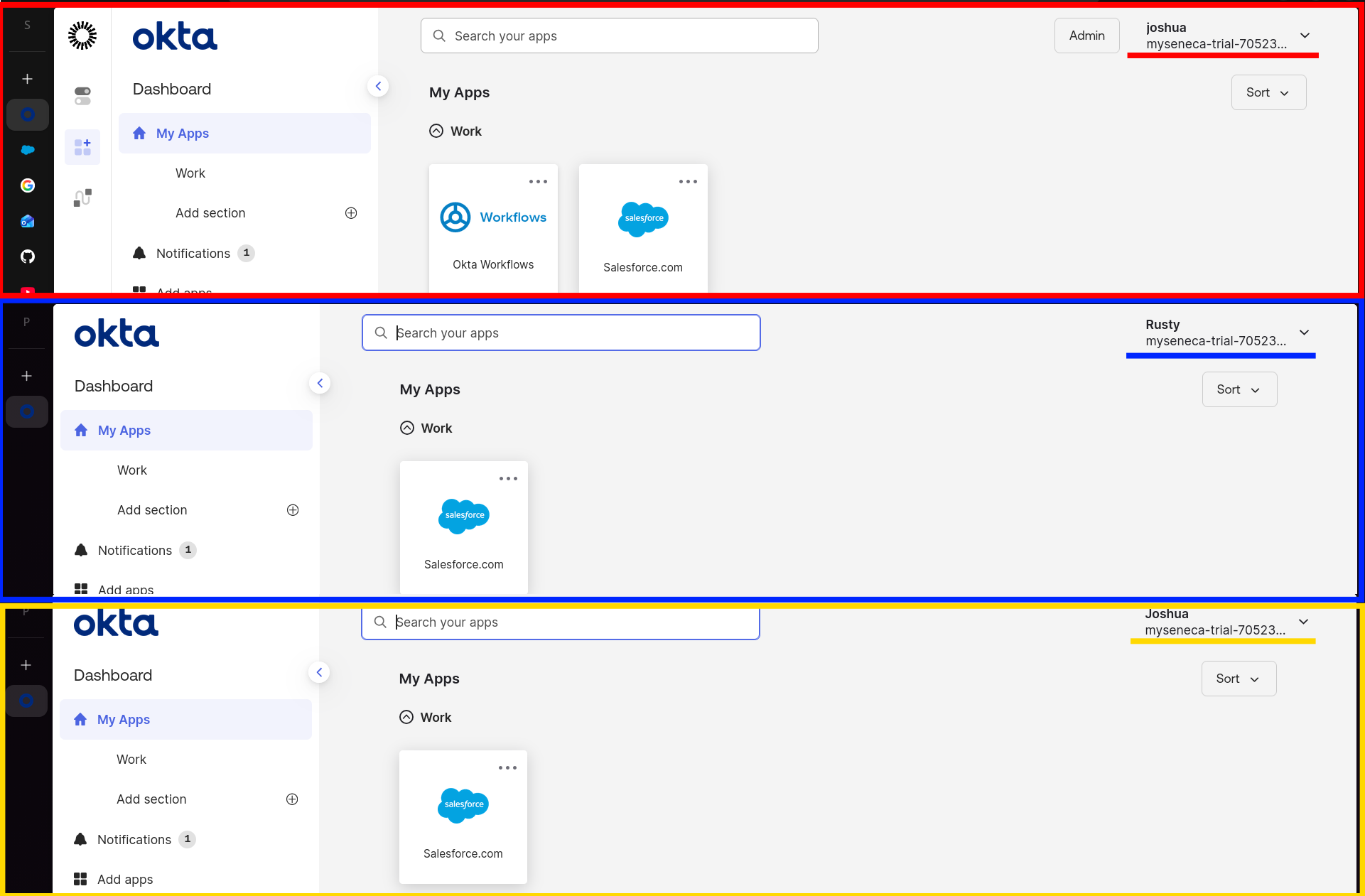
To validate the user lifecycle across the entire organization, I enrolled the test users into the Okta Verify mobile app.
- Simulated the end-user onboarding experience by setting up MFA on a mobile device.
- Verified that multiple distinct identities from Active Directory were successfully synced.
- Confirmed that Push Notifications arrive instantly for the correct user context.